 DRUMY
DRUMY
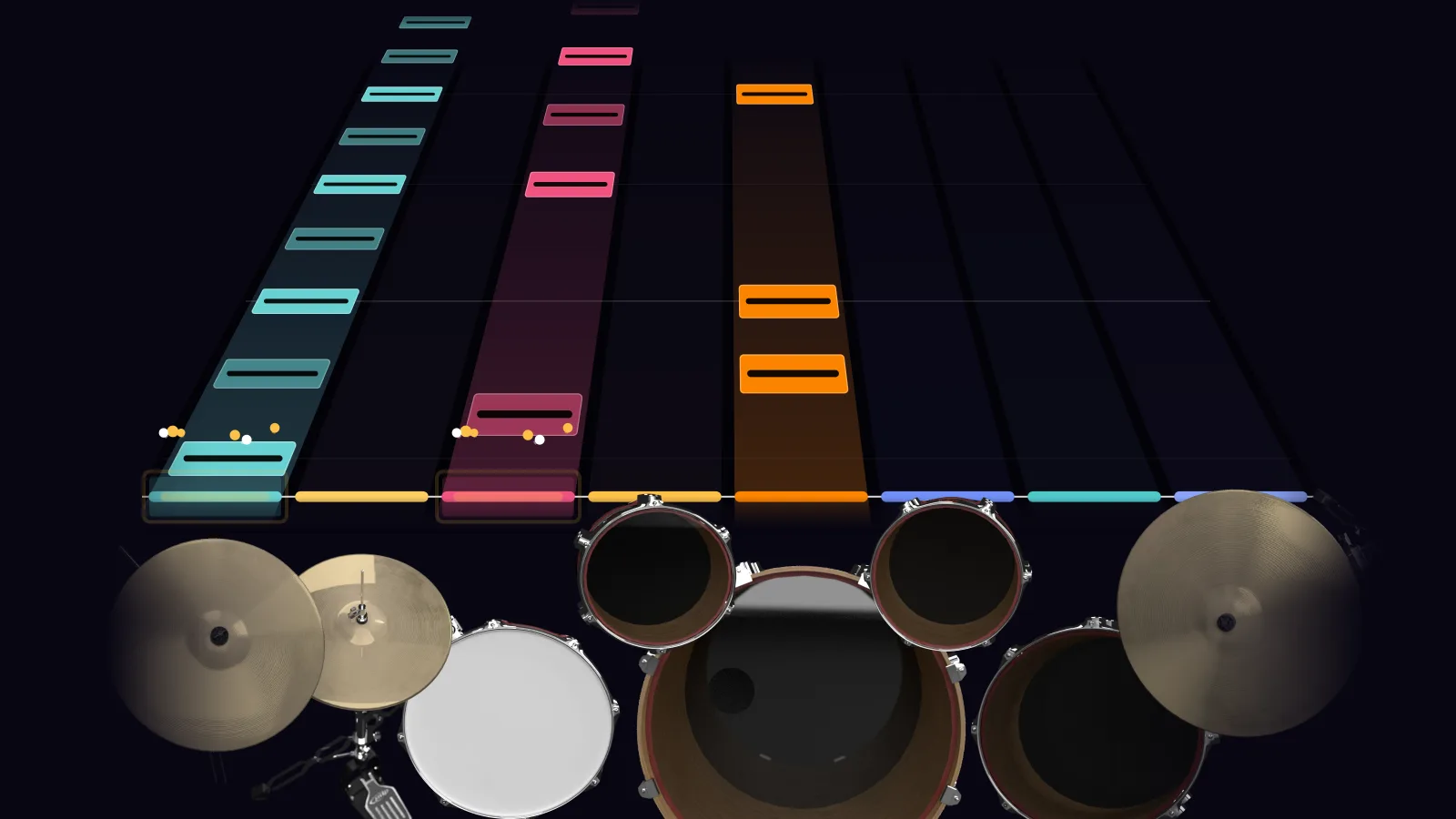
Read Throne as drum notation
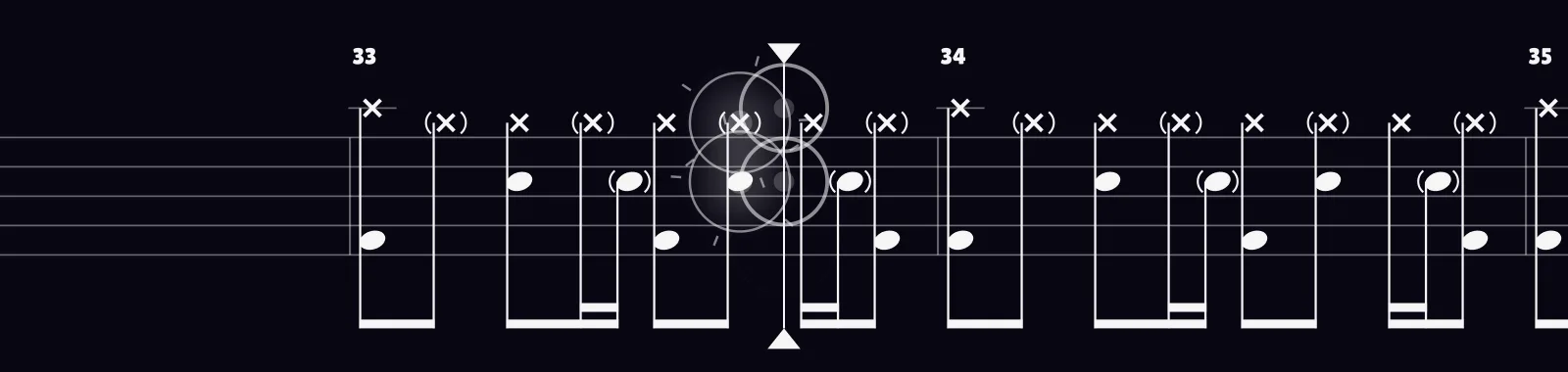
Throne drums: tempo, difficulty and parts
Throne by Bring Me the Horizon is 144 BPM and runs 3:10: 114 bars and 1,400 notes played on the snare, crash, kick, hi-hat, floor tom, tom 1 and tom 2.
The drum part is rated Hard — a real workout, so start it at half speed and bring it up.
It has 6 fills, its longest section is the Full Band Bridge (0:27) and the hi-hat opens as well as closes.
Song map
- Synth Intro
- Full Band Intro
- Verse A1
- Pre-Chorus A1
- Chorus A1
- Verse A2
- Pre-Chorus A1
- Chorus A1
- Chorus A2
- Synth Bridge
- Full Band Bridge
- Chorus A1
- Chorus A2 / Outro
How to play Throne on drums
- Plug in your electronic drum kit over USB — or play on the keyboard.
- Press play. The notes of Throne come down in time with the recording. Play it in Beatfall or read it as drum notation.
- Slow it down. Take the Fill into Chorus A2 / Outro at 0.5× or 0.75× with a click and a count-in, then bring it up to 144 BPM.
- Check every hit — on time, early or late — before you record your Throne drum cover.
More Bring Me the Horizon on drums

More drum play-alongs




Explore drum songs




Browse drum songs
- Easy drum songs for beginners
- Intermediate drum songs
- Hard drum songs
- Slow songs to play on drums
- Fast drum songs
Guides
- How to connect an electronic drum kit to your computer
- How to play along to songs on electronic drums
- Why your electronic drums feel late — and how to fix it