DRUMY
✓ Works with DRUMY

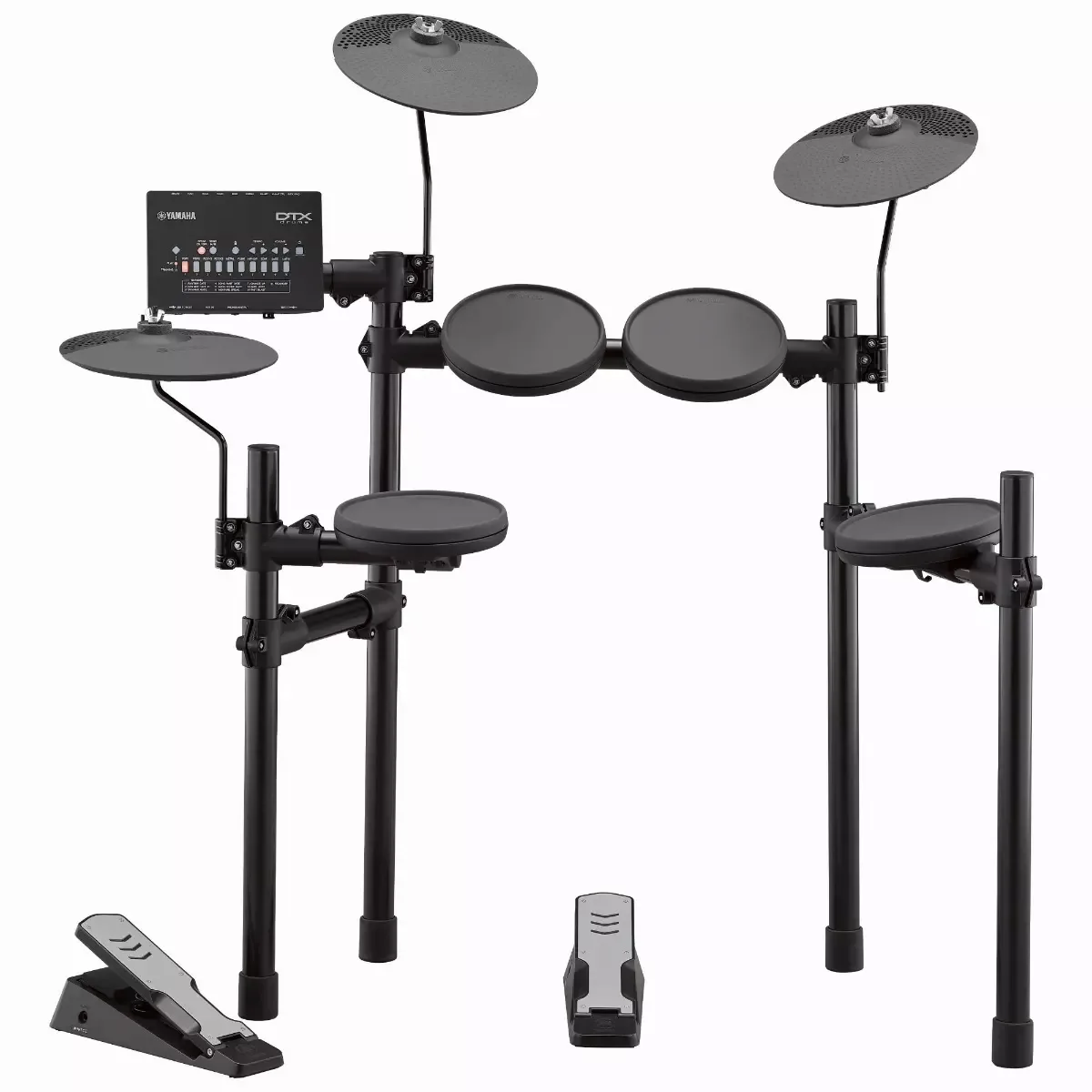
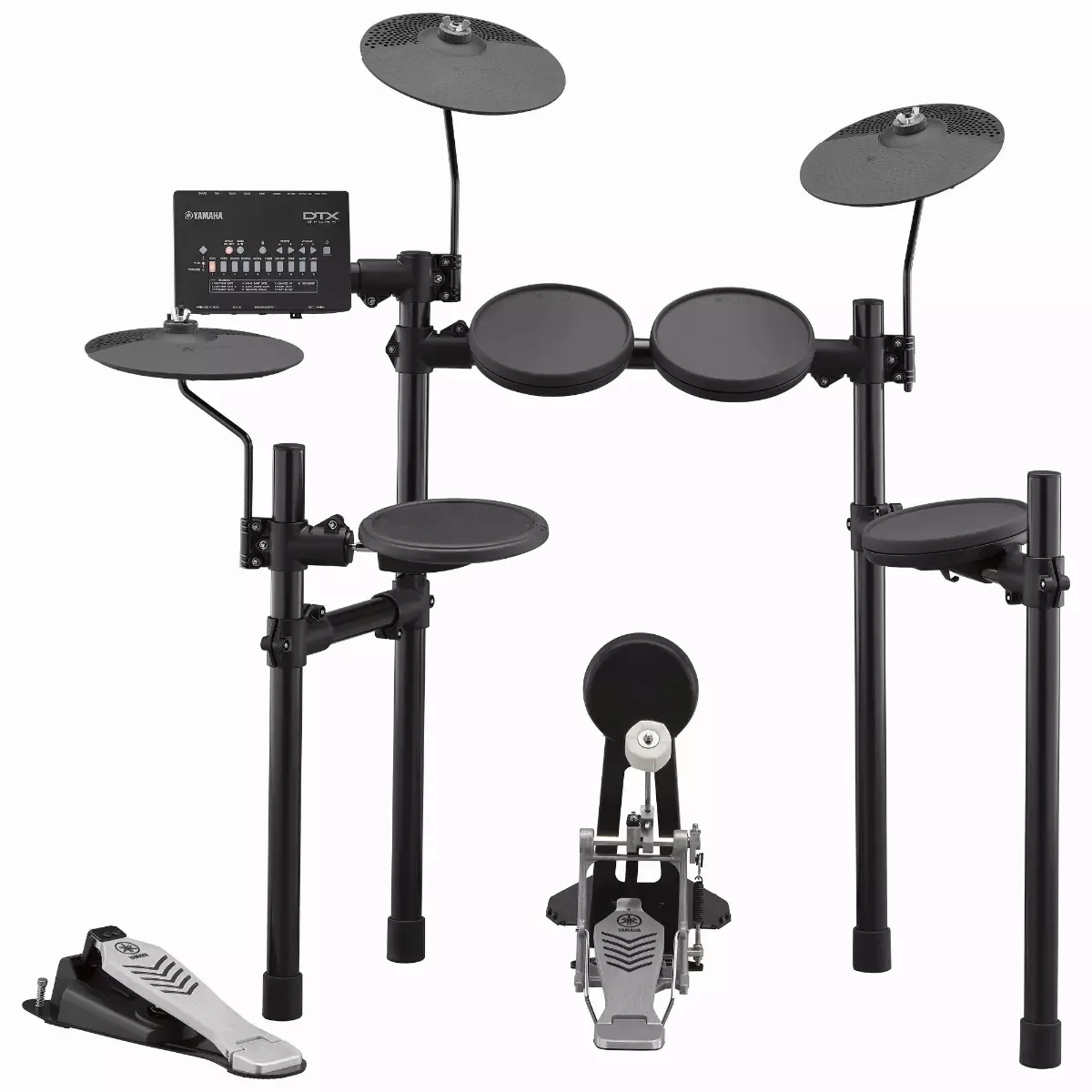
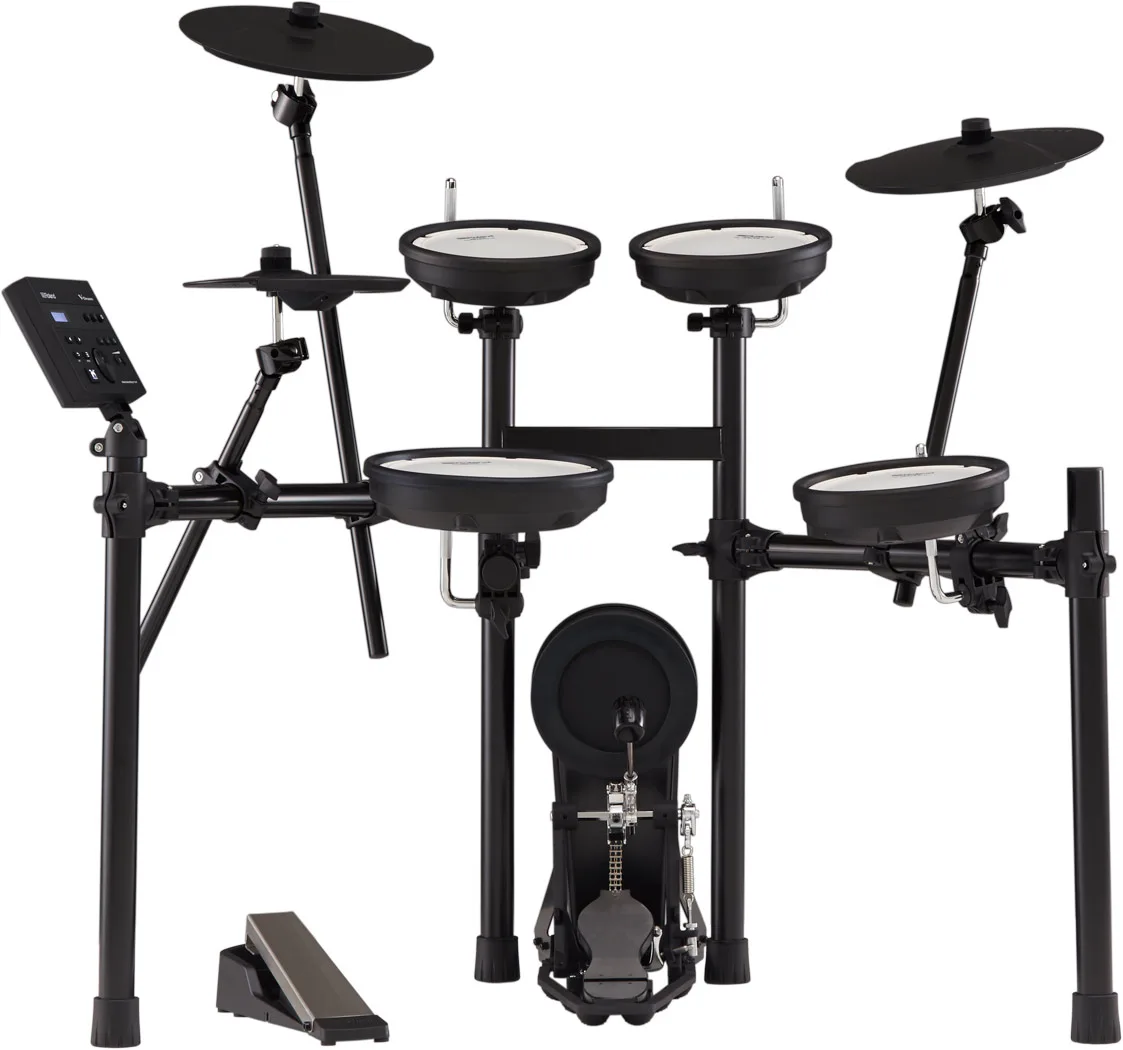
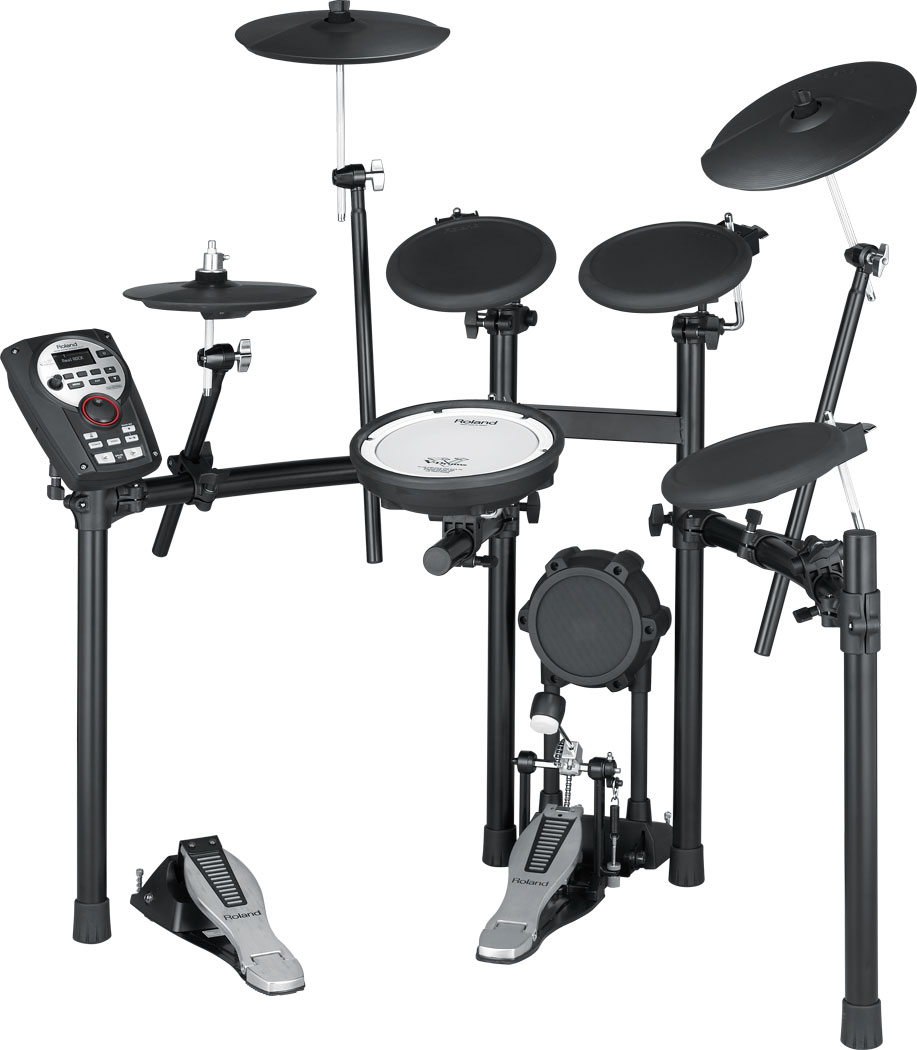
Roland electronic drumsPlay real songs on your Roland TD-1 series

Plug your Roland TD-1 series into your computer, open DRUMY in the browser, and drum along to the songs you love. The notes come at you in time with the recording, and every hit is judged. The TD-1DMK, TD-1KV and TD-1K all send USB MIDI from the module.

Play on your Roland TD-1 series free

No download · works in your browser · thousands of songs

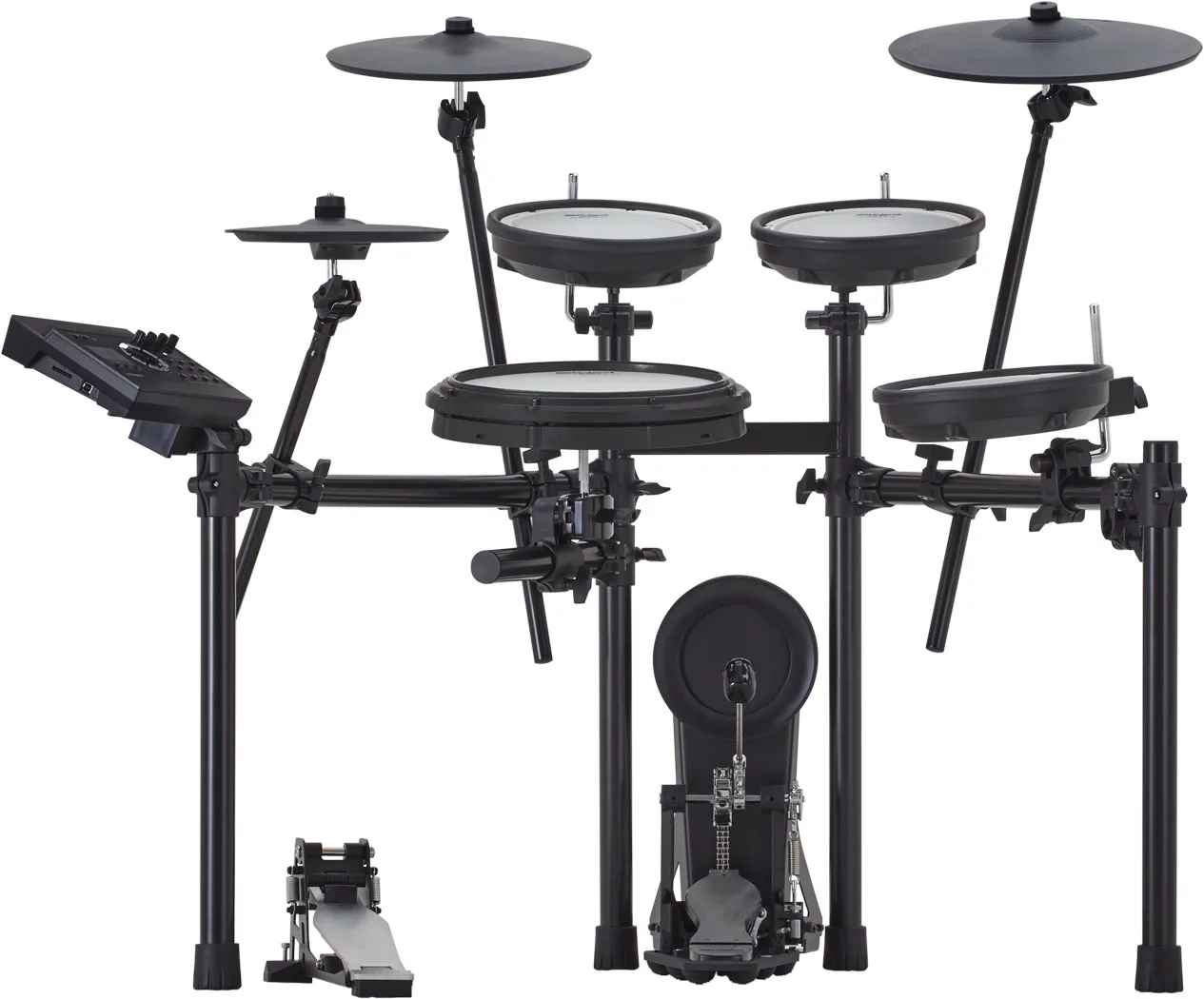
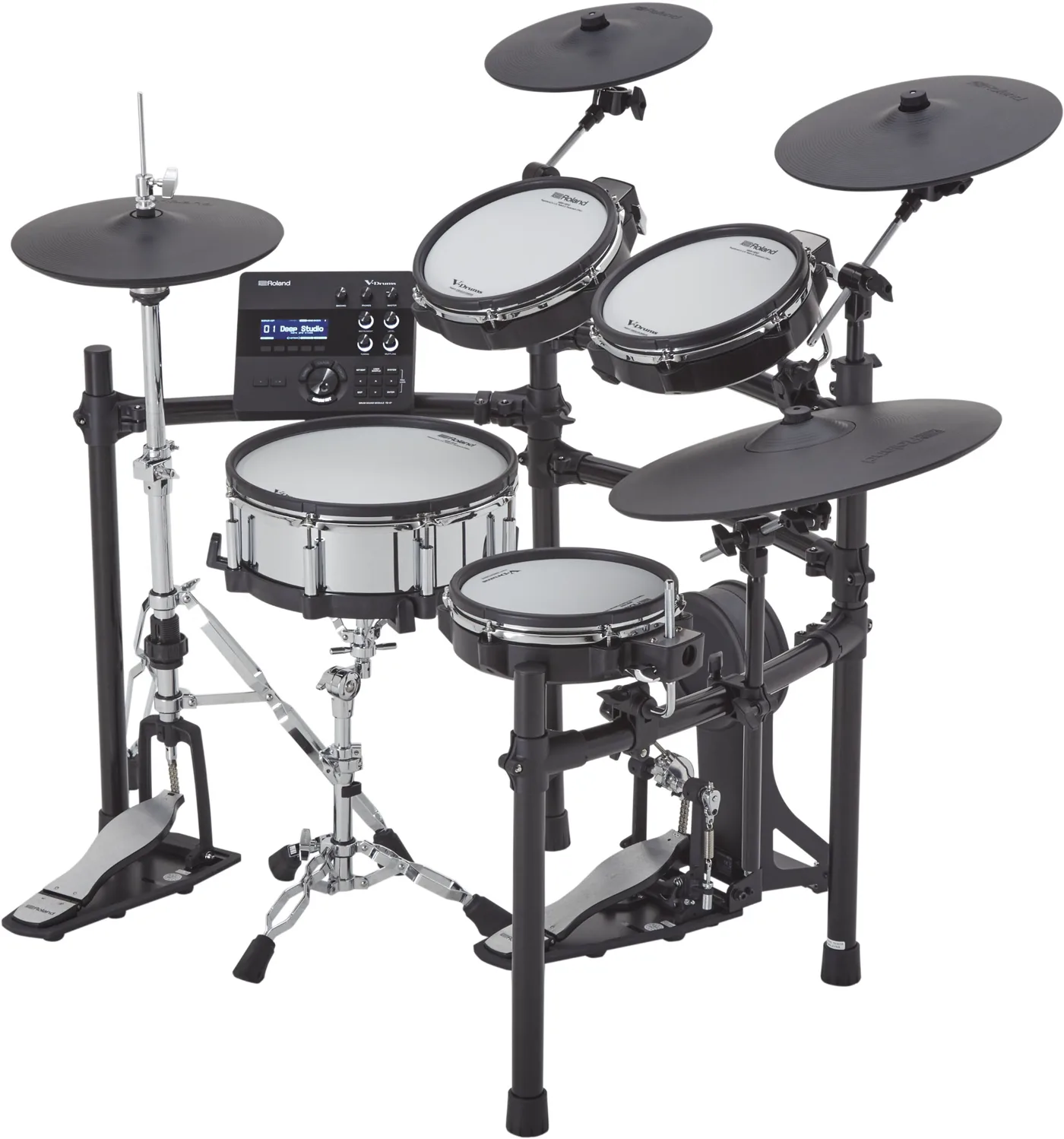
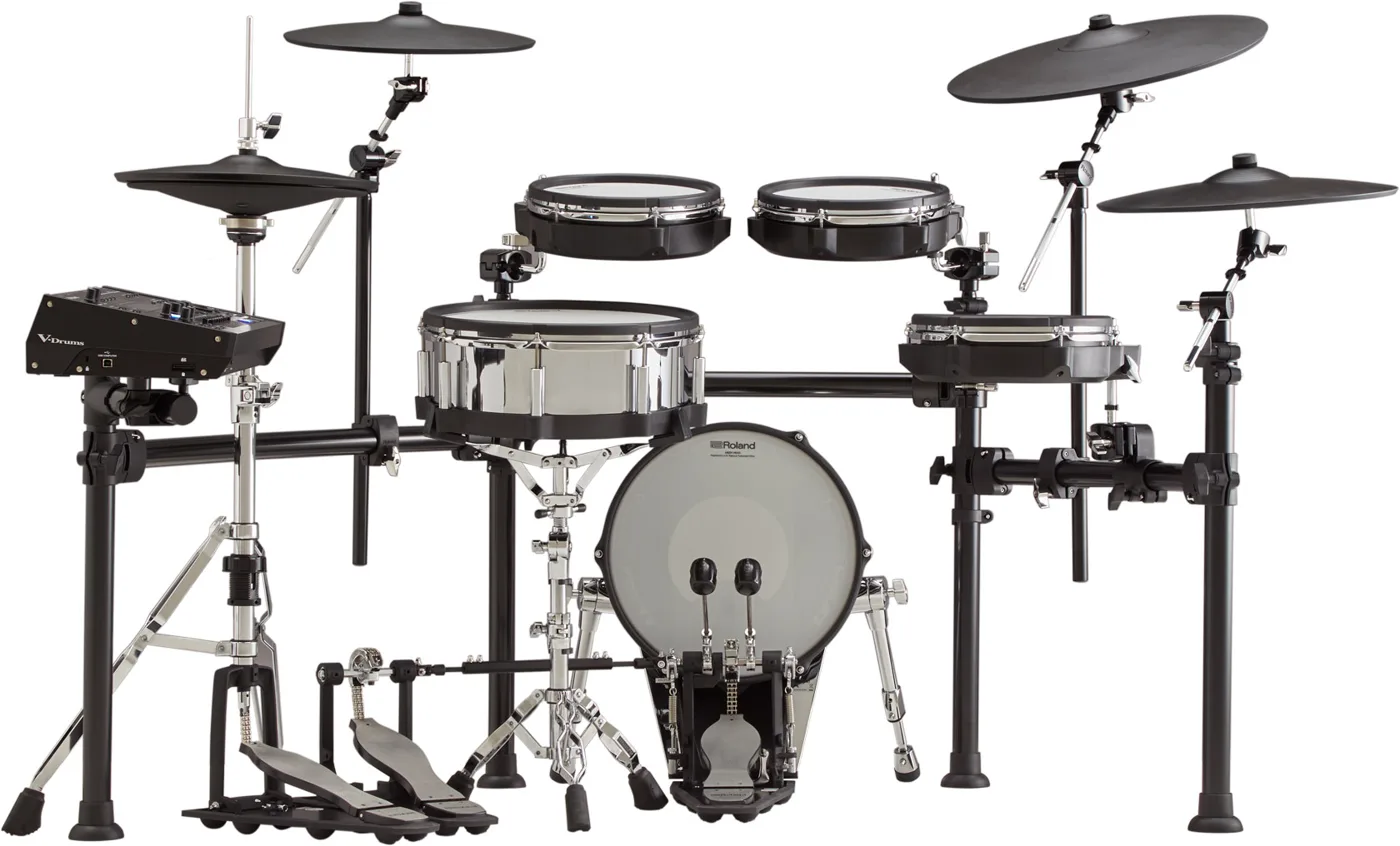
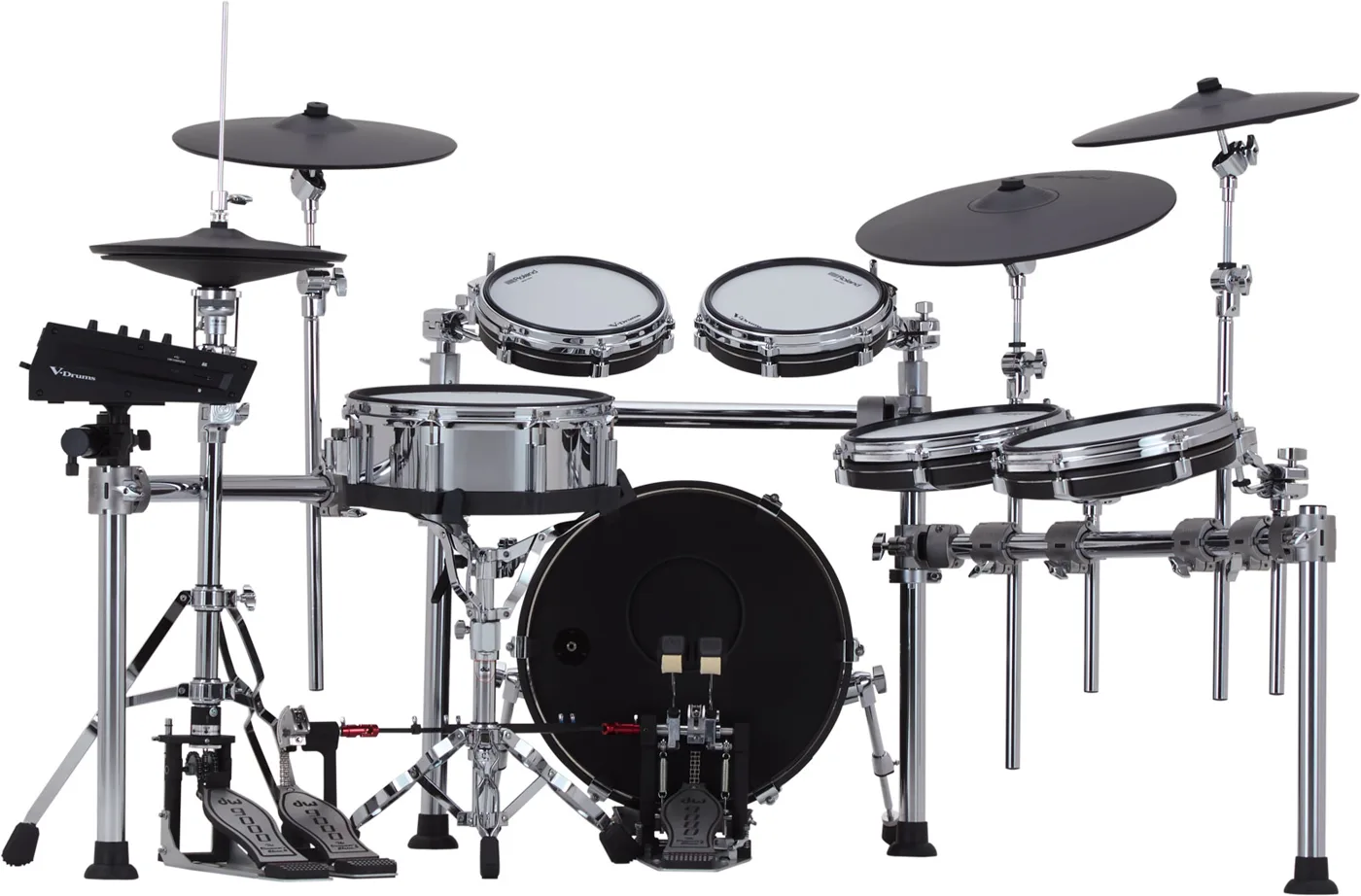
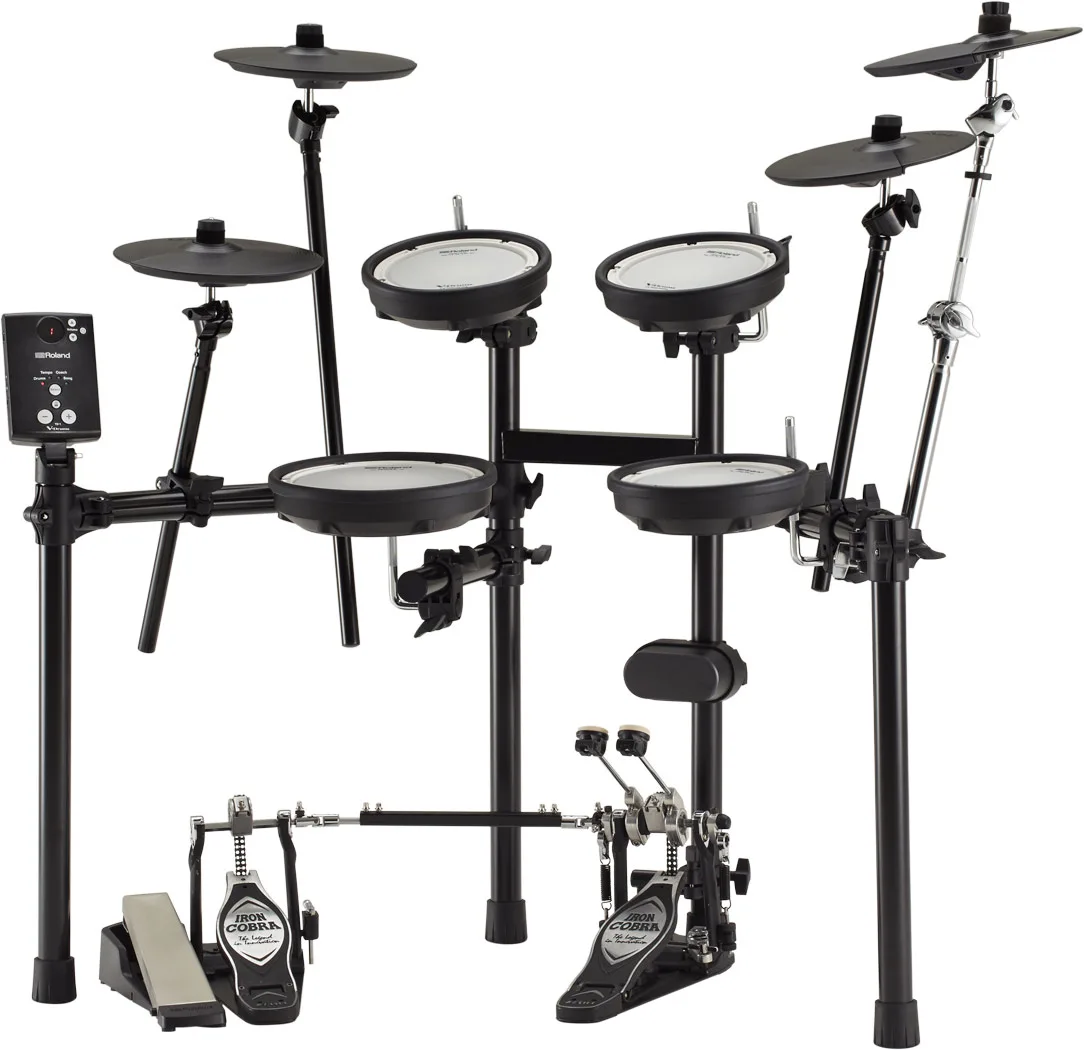
Roland TD-1 series electronic drum kit

What playing on your Roland TD-1 series looks like

Every hit on your pads lands on a lane. The notes come down in time with the recording — this is Enter Sandman by Metallica.

Beatfall — the notes fall to the line, each drum on its own lane, every hit judged on time, early or late.
Or read the notation — the same part written out, with a playhead you play to.

How to connect your Roland TD-1 series to your computer

  1. Plug in the Roland TD-1 series module's USB port to your Mac or PC, and switch the kit on.
  2. Open DRUMY in Chrome, Edge, Firefox or Opera, and allow MIDI when the browser asks.
  3. Hit a pad — its lane lights up. Kick, snare, hi-hat, toms and cymbals are mapped already.
  4. A pad in the wrong lane? Open Setup drums and hit it to give it the right drum.

Hear the song and your Roland TD-1 series together

Best songs to start with on the Roland TD-1 series

Start with an easy song at 75% speed, or switch on the Easy level to take the hardest notes out. The Trainer teaches any song part by part on your Roland TD-1 series: hands first, then the kick, from 70% up to full speed.
Easy songs to play on your Roland TD-1 series

Popular songs drummers play

Roland TD-1 series with DRUMY: questions

Does the Roland TD-1 series work with DRUMY?

Yes. The Roland TD-1 series sends MIDI over USB, which DRUMY reads straight away in Chrome, Edge, Firefox or Opera on a Mac or PC — nothing to install.

Which cable do I need for the Roland TD-1 series?

The USB cable that connects the module to a computer (it carries MIDI). Some cables only charge — if nothing happens, try another.

Why can't I hear my Roland TD-1 series and the song together?

DRUMY plays the song from the computer; your kit makes its own sound in the module. Put both in one pair of headphones or with a cable into the module's Aux In.

My Roland TD-1 series pads land on the wrong drum. How do I fix it?

Open Setup drums in DRUMY and hit the pad: it takes the drum you choose. Rim and cross-stick hits can be set to the snare if your snare has one zone.

Kits like the Roland TD-1 series

Other Roland kits

Guides