 DRUMY
DRUMY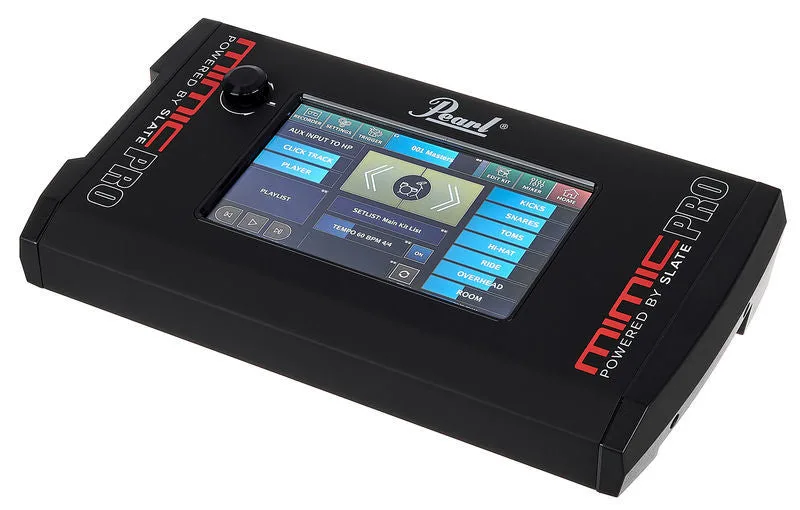
How to connect your Pearl Mimic Pro to your computer
- Plug in the Pearl Mimic Pro module's USB port to your Mac or PC, and switch the kit on.
- Open DRUMY in Chrome, Edge, Firefox or Opera, and allow MIDI when the browser asks.
- Hit a pad — its lane lights up. Kick, snare, hi-hat, toms and cymbals are mapped already.
- A pad in the wrong lane? Open Setup drums and hit it to give it the right drum.
Hear the song and your Pearl Mimic Pro together
- Over USB: the Pearl Mimic Pro module can play your computer's sound. Choose it as the computer's sound output, plug your headphones into the module, and you hear the song and your kit together through one cable.
- With a cable: run a 3.5 mm cable from the computer's headphone socket into the module's Aux / Mix In, and wear your headphones on the module. No delay at all.
Best songs to start with on the Pearl Mimic Pro
Start with an easy song at 75% speed, or switch on the Easy level to take the hardest notes out. The Trainer teaches any song part by part on your Pearl Mimic Pro: hands first, then the kick, from 70% up to full speed.