 DRUMY
DRUMY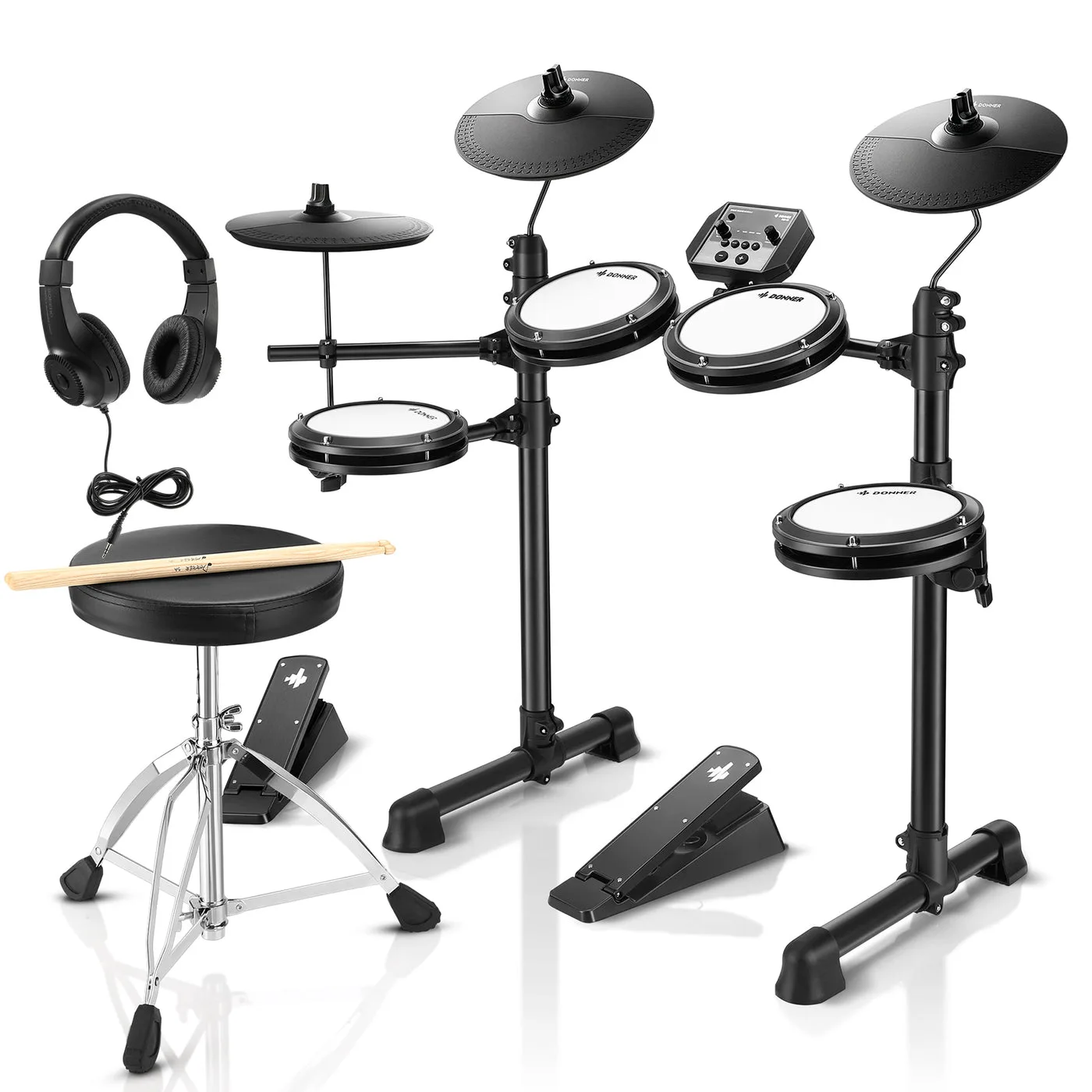
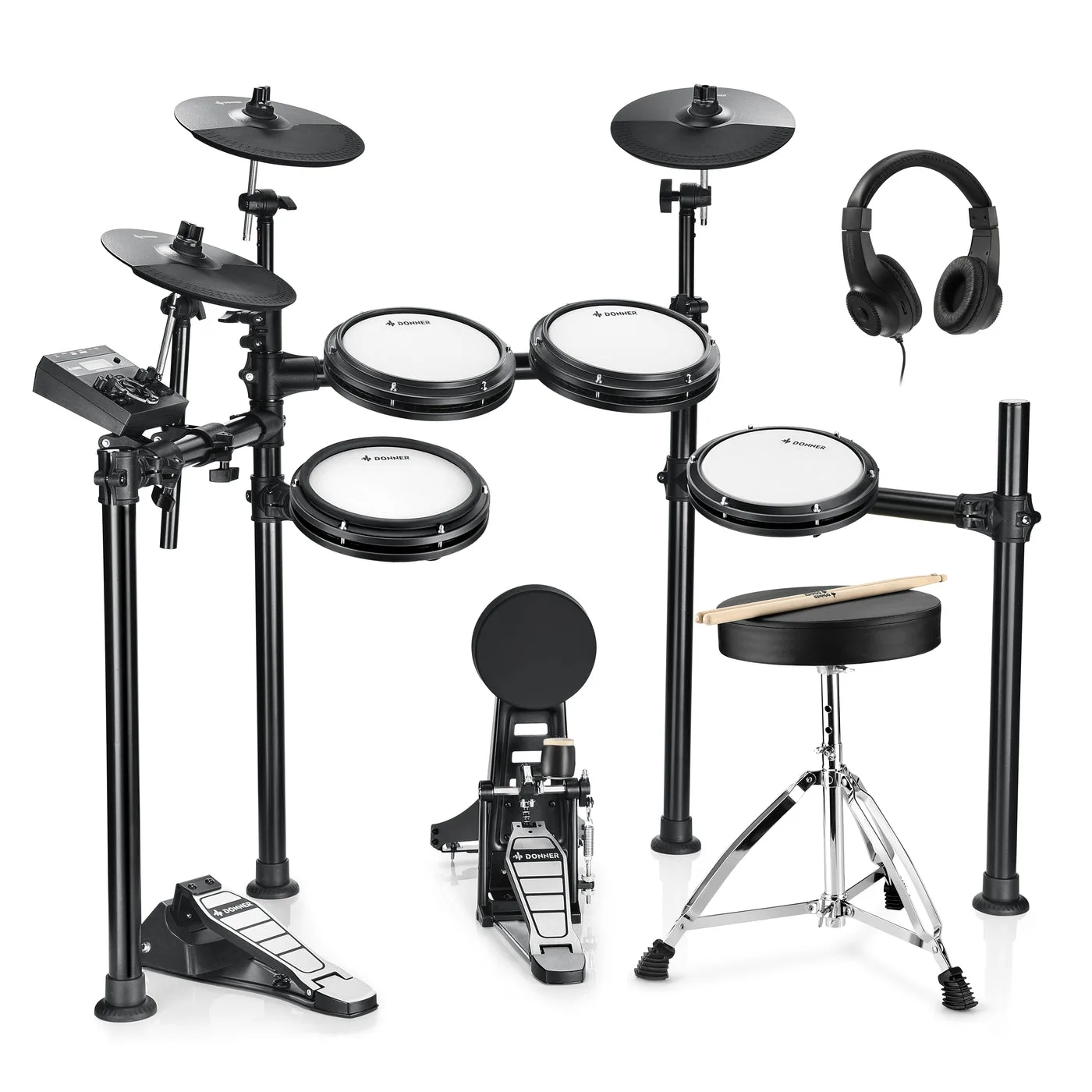
How to connect your Donner DED-80 to your computer
- Plug in the Donner DED-80 module's USB port to your Mac or PC, and switch the kit on.
- Open DRUMY in Chrome, Edge, Firefox or Opera, and allow MIDI when the browser asks.
- Hit a pad — its lane lights up. Kick, snare, hi-hat, toms and cymbals are mapped already.
- A pad in the wrong lane? Open Setup drums and hit it to give it the right drum.
Hear the song and your Donner DED-80 together
- With a cable: run a 3.5 mm cable from the computer's headphone socket into the module's Aux / Mix In, and wear your headphones on the module. No delay at all.
Best songs to start with on the Donner DED-80
Start with an easy song at 75% speed, or switch on the Easy level to take the hardest notes out. The Trainer teaches any song part by part on your Donner DED-80: hands first, then the kick, from 70% up to full speed.